Jobs & Business
RR OS An in-game computer with 18 programs
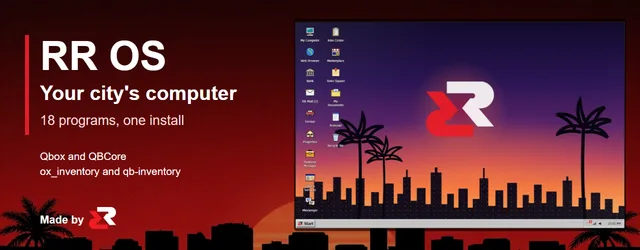
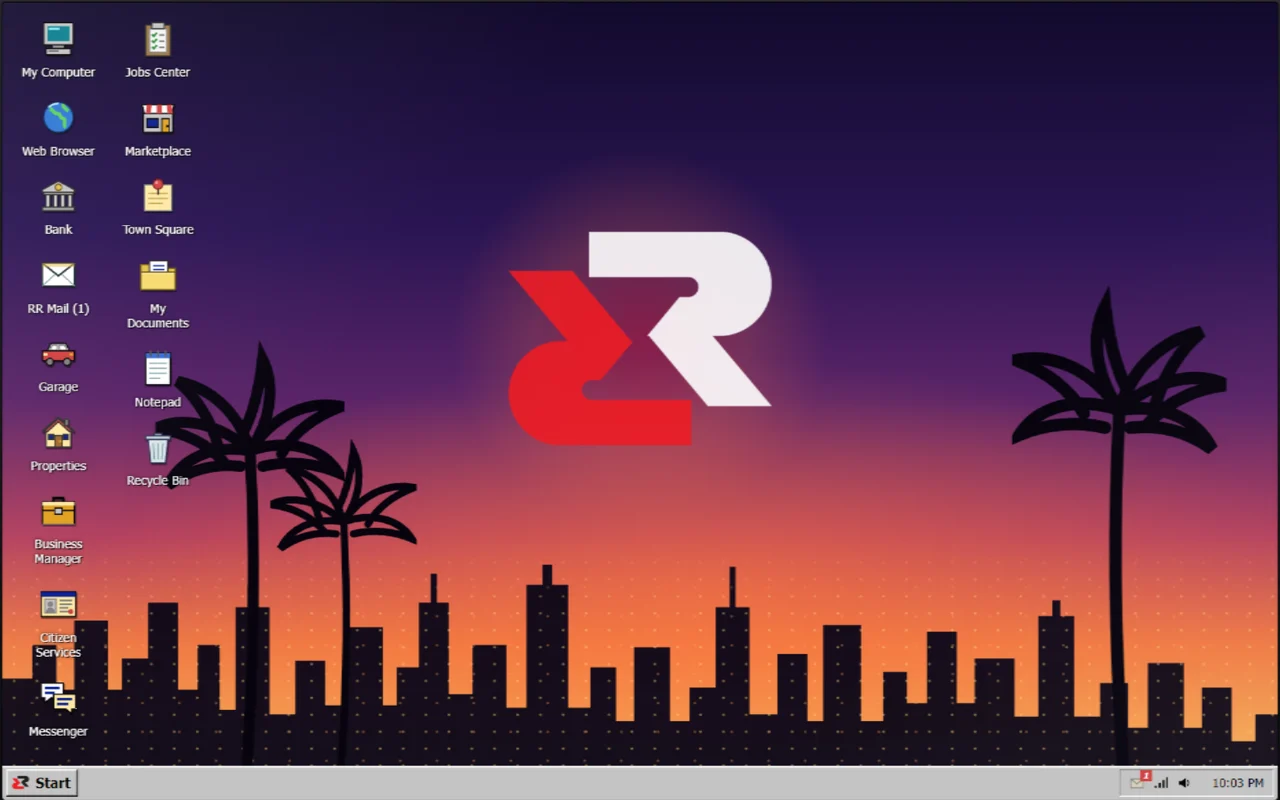
A full desktop computer for your city: bank, garage, mail, jobs, business, properties and more, as 18 programs in one resource.
Overview
Before you buy: needs ox_lib, oxmysql, Qbox or QBCore, and ox_inventory or qb-inventory. Start the server once and the tables create themselves. Questions go in a ticket on our Discord.
Players open RR OS from an item, the /laptop command or a computer prop in the world, and the city is on the desktop: their bank, their cars, their properties, their job, the classifieds and their mail, as programs in a classic 90s desktop.
Every program has its own switch in config.lua, and other resources can add their own programs and websites to the desktop through the exports.
Two editions
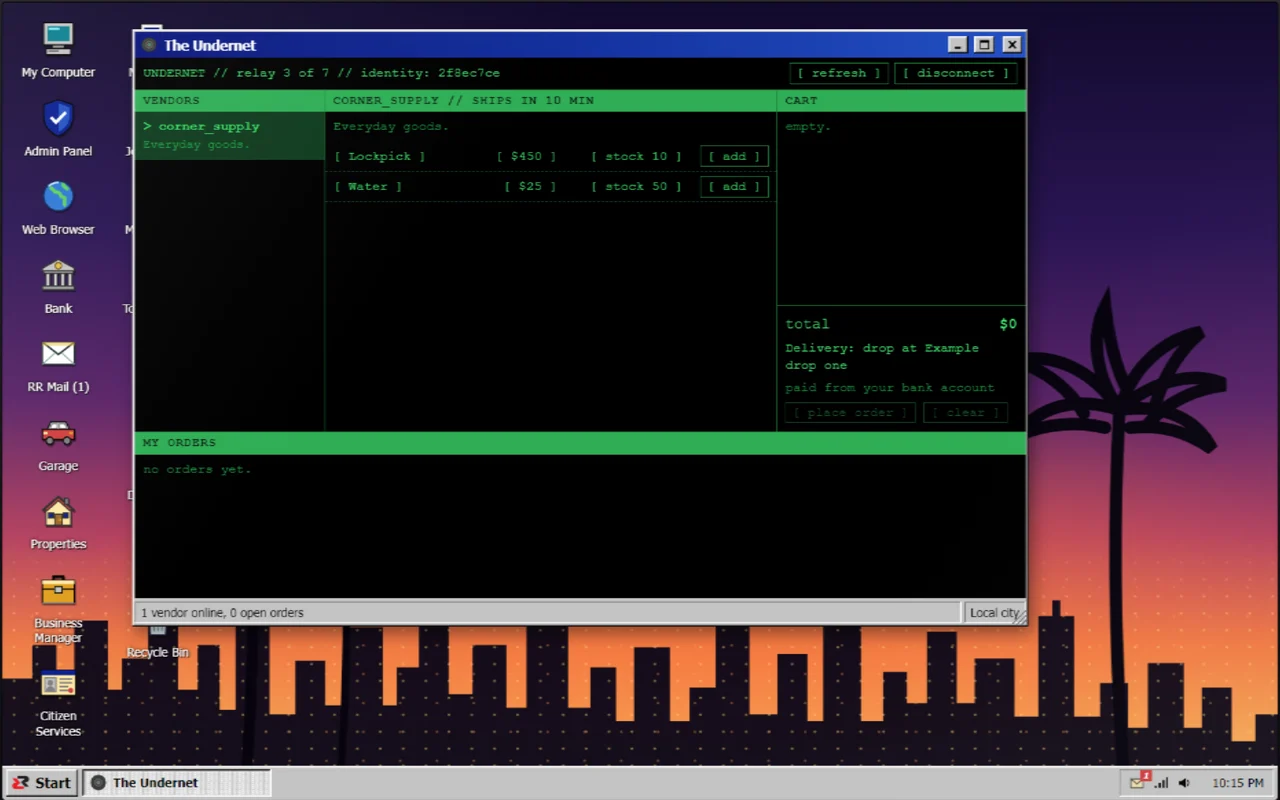
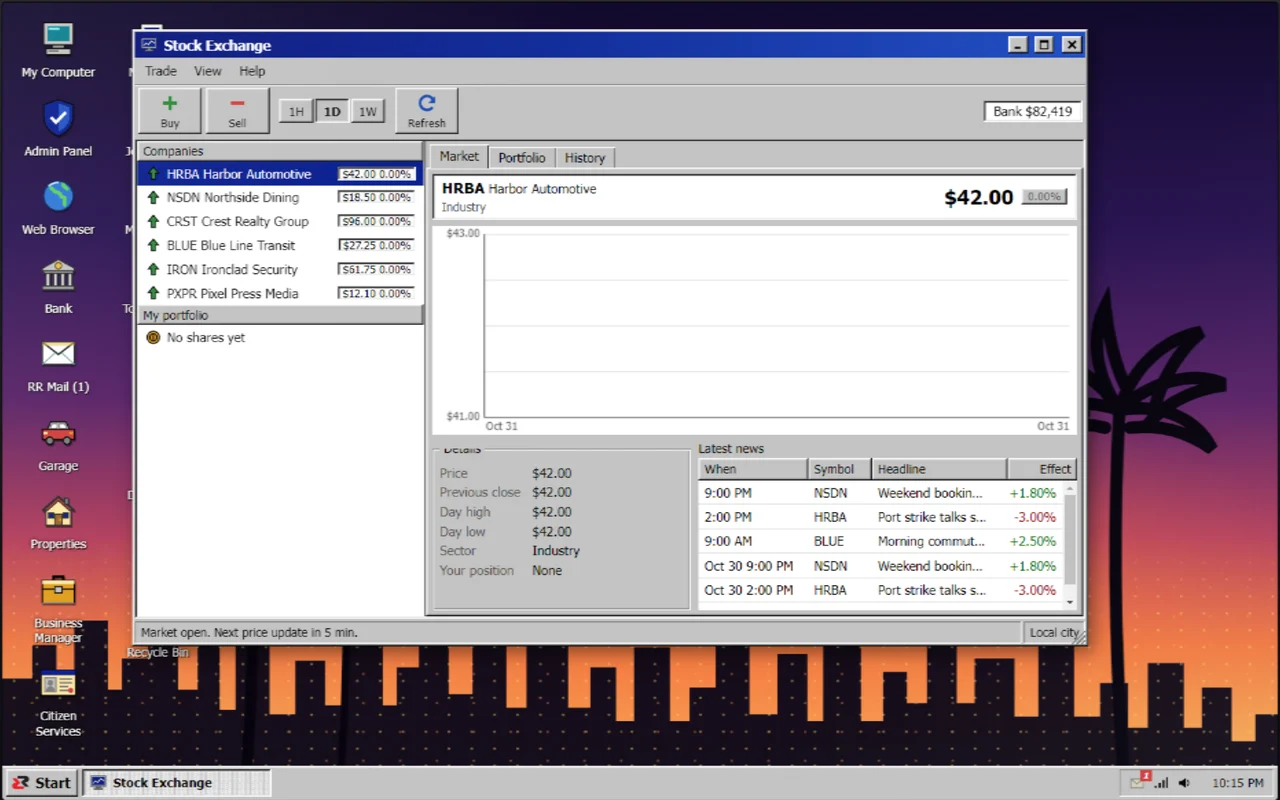
Standard ($29.99): the 18 programs below. Complete ($39.99) adds two more: The Undernet, a hidden shop opened with a VPN dongle item that ships with seven example vendors, and the Stock Exchange, with fictional companies and in-game bank money. Already own Standard? The Complete Upgrade is $9.99.
Built and run on our own Qbox city. QBCore is supported through the same bridge, but we have not run it on a live QBCore server yet.
Features
Bank
Accounts, transfers, statement and bills, on your framework money.
Garage
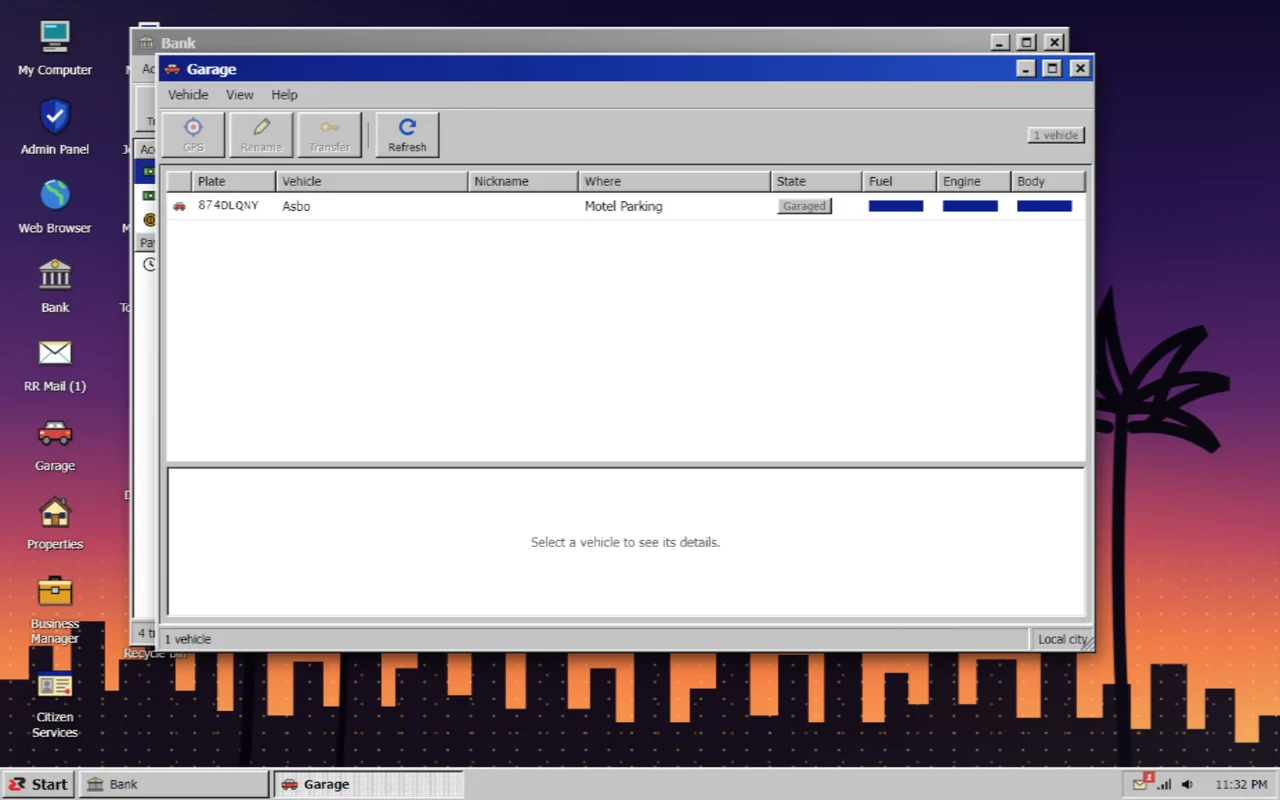
Owned vehicles, where they are, GPS and title transfer.
Business and jobs
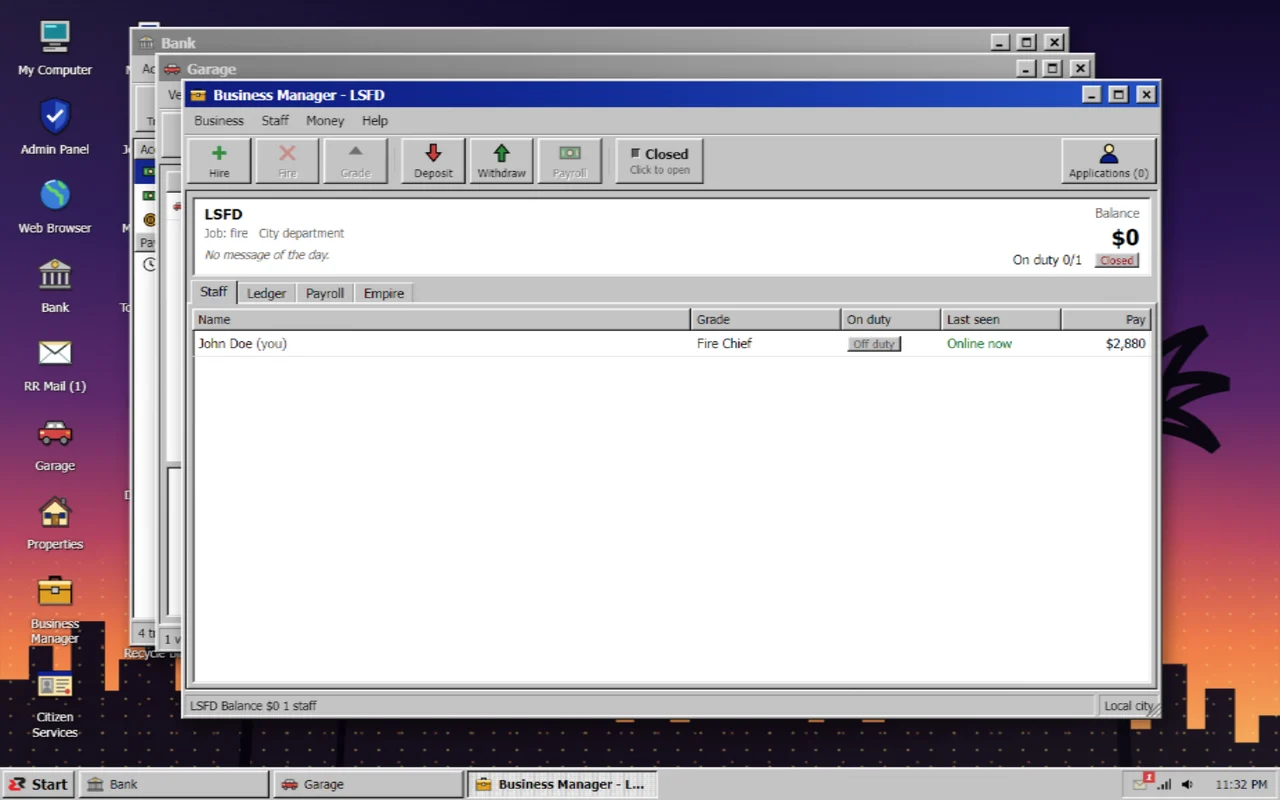
Business Manager for society money, staff and payroll, and a Jobs Center with every job and grade.
Citizen life
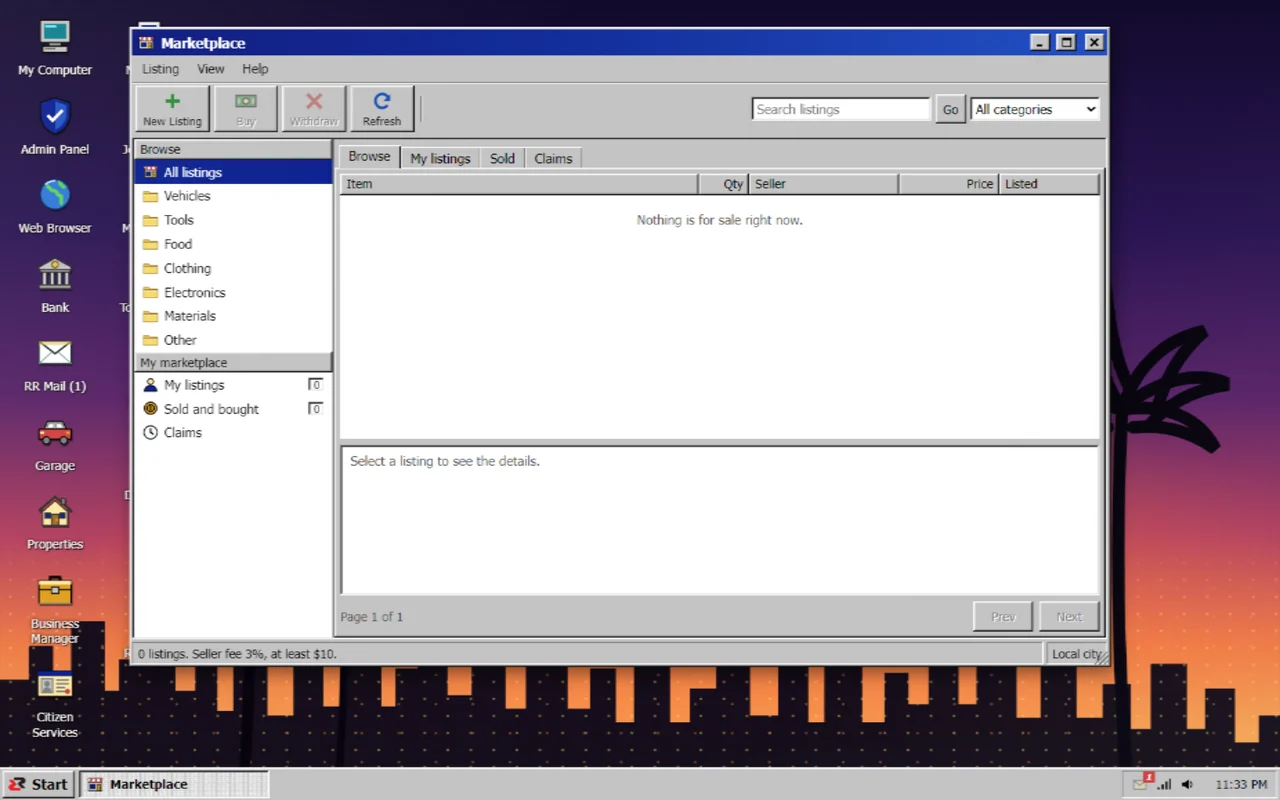
Properties, Marketplace, Citizen Services, RR Mail, Messenger, Town Square and My Documents.
Admin Panel
Online players, program switches, the log and which adapters picked up your other scripts.
Plugin API
Add your own programs, sites, mail and fines from any resource.
Screenshots
Setup
Installation
- Put rr-laptop in your resources folder
- Add the laptop item line from the install folder to your inventory
- Copy the lines from install/server.cfg.txt, ensure it after ox_lib, oxmysql, your framework and your inventory
- Start the server once, the tables are created for you
Dependencies
- ox_lib
- oxmysql
- qbx_core or qb-core
- ox_inventory or qb-inventory
- ox_target (optional, for computer props)
Commands
| Command | What it does |
|---|---|
/laptop | Open RR OS (needs the laptop item) |