Builder Tools
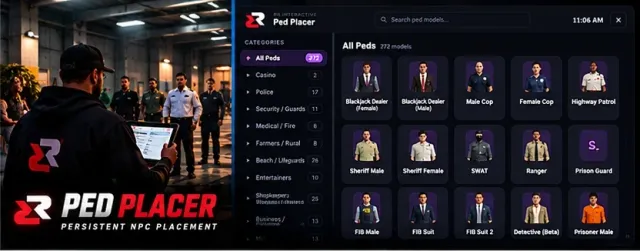
Ped Placer Persistent NPC placement
Populate your world exactly how you want it. Place individual NPCs or full crowds anywhere on the map, assign scenarios and animations, then save and reload them automatically on restart.
Overview
Pedplacer is the world-building tool every RP server needs. Drop NPCs anywhere — single peds or whole crowds — give them scenarios and animations, and save your placements so the city stays alive through restarts.
Features
- Place single peds or groups anywhere
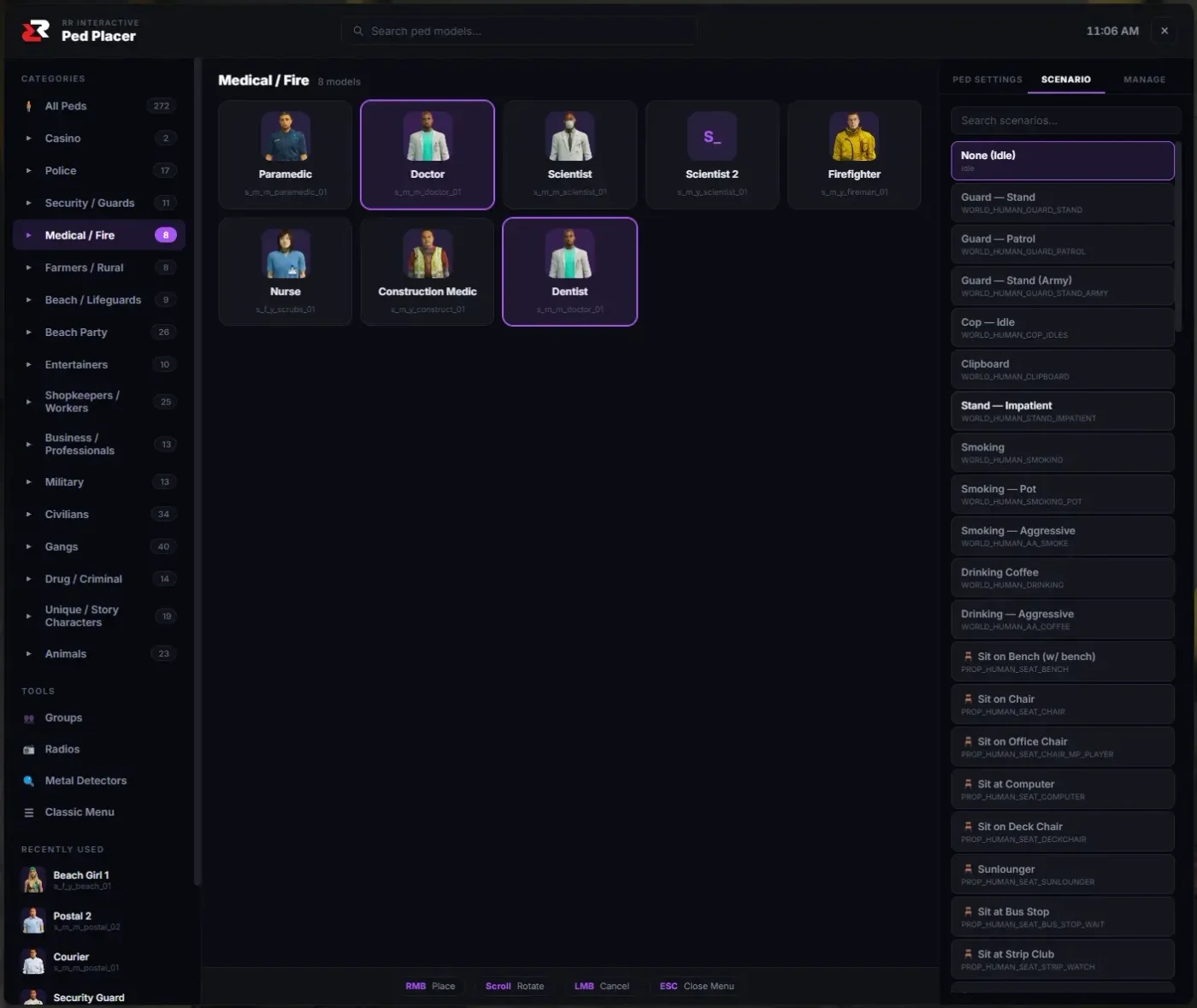
- 200+ scenarios and animations
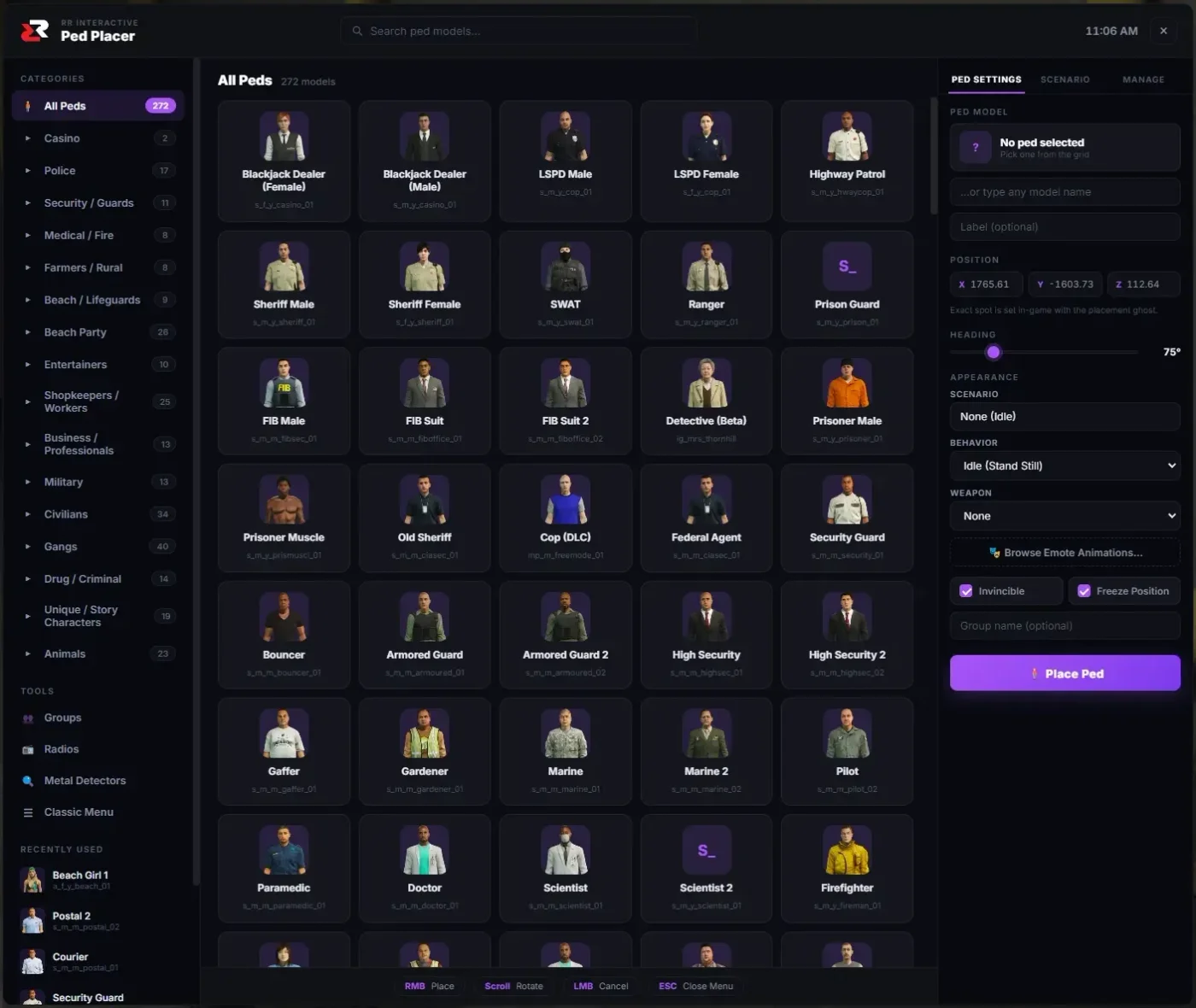
- Choose model, heading, and weapon
- Save & load placements persistently
- Admin menu NUI for fast editing
- One-click removal and cleanup
- Permission-locked admin access
- Lightweight and optimized
Features
Place NPCs Anywhere
Drop single peds or full crowds at any location with a chosen model.
Scenarios & Animations
Assign from 200+ GTA scenarios so NPCs sit, talk, work, or idle realistically.
Persistent Placements
Save your placements and reload them automatically on server restart.
Admin Menu NUI
A fast, intuitive menu for placing, editing, and removing NPCs.
One-Click Cleanup
Remove individual peds, groups, or clear everything instantly.
Lightweight
Optimized for performance with no impact on resources when idle.
Screenshots
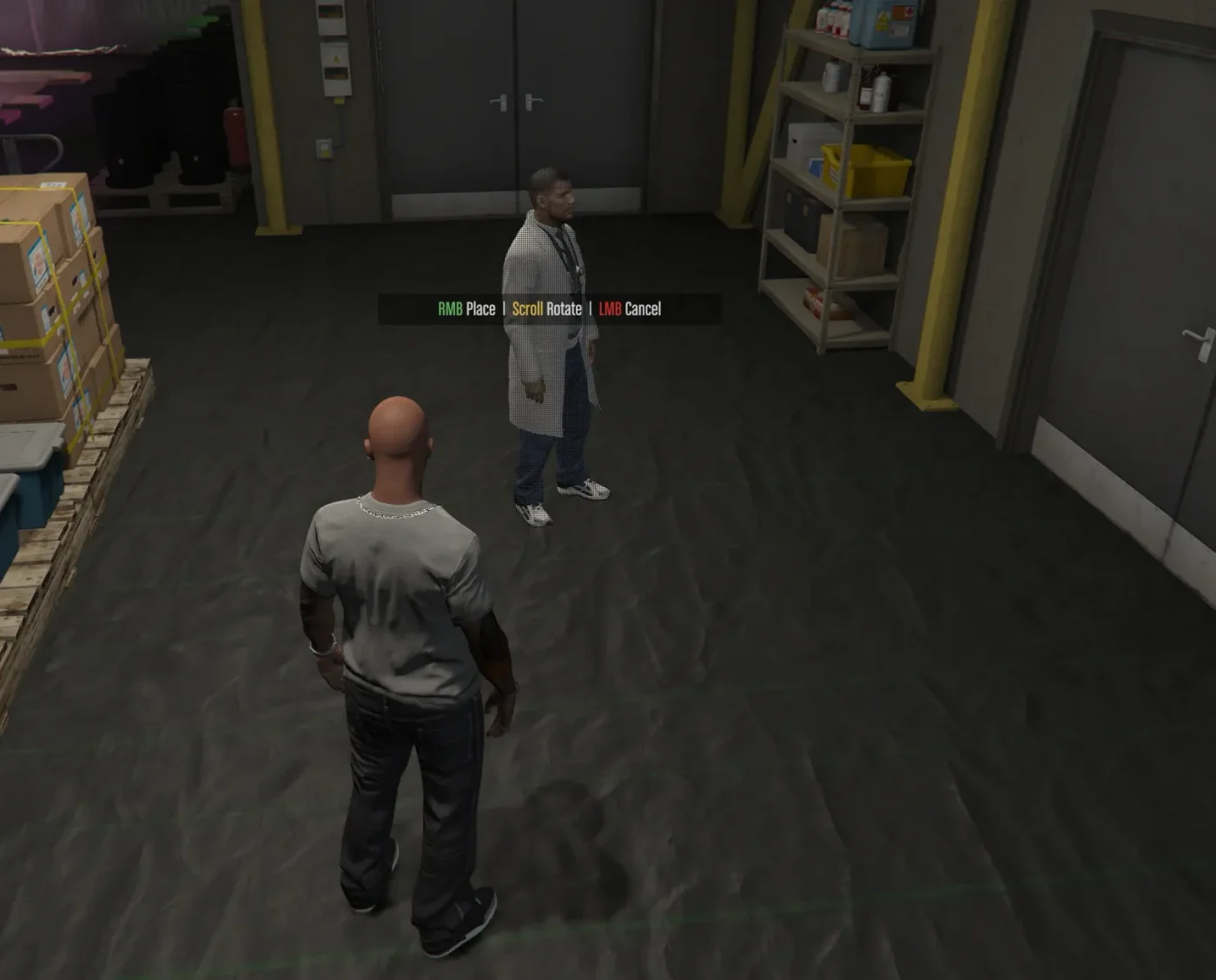
Setup
Installation
- Download and extract rr-pedplacer into your resources folder
- Add 'ensure rr-pedplacer' to your server.cfg
- Set admin permissions in config.lua
- Restart your server
Dependencies
- ox_lib
Commands
| Command | What it does |
|---|---|
/pedplacer | Open the ped placement menu |
/removeped | Remove the nearest placed ped |
/clearpeds | Clear all placed peds |